> ## Documentation Index
> Fetch the complete documentation index at: https://docs.blaxel.ai/llms.txt
> Use this file to discover all available pages before exploring further.
# Gmail
> Connect Gmail to your Blaxel agents to give them email communication capabilities, including reading, drafting, and sending messages.
The *Gmail integration* allows you to equip your agents with tools to interact with Gmail services, enabling email communication and message processing within your applications.
## Set up the integration
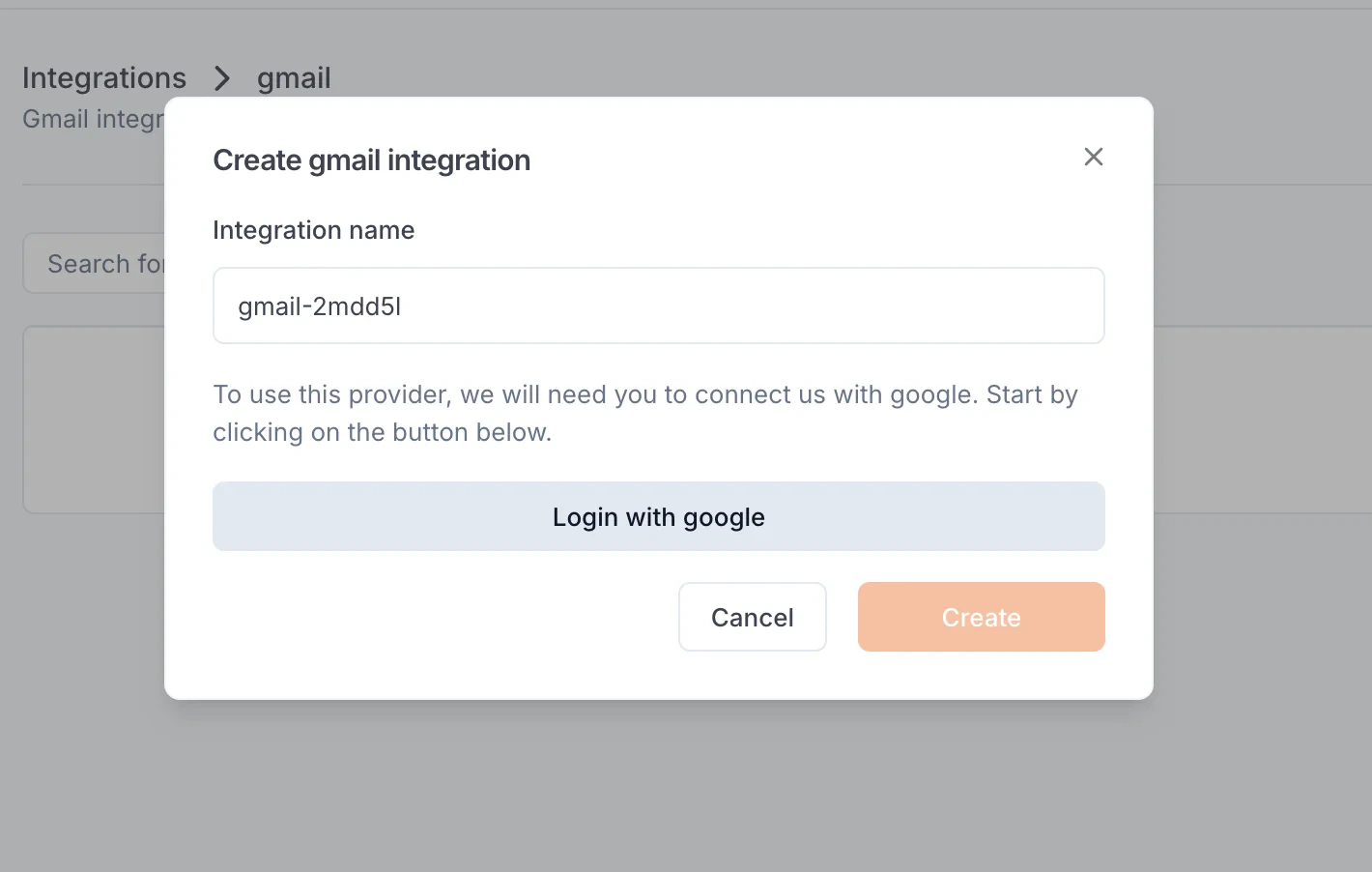
In order to use this integration, you must sign in to your Google account. This will create an integration to Gmail in your workspace settings.
### Single tenant
Create the integration yourself from Blaxel Console.
 ### Multi-tenant
Follow [this guide](/Functions/oauth-flow) to learn how to automate the creation of dedicated Gmail integrations through a user-facing OAuth flow.
Create integrations for your users with OAuth.
## Create a Gmail function
Once you’ve set up the integration in the workspace, any workspace member can use it to create a Gmail [function](../Functions/Overview).
When creating a function, select Gmail. After the function is created, you will receive a dedicated global Blaxel endpoint to call it.
### Available tools
This integration provides the following tools:
* `send_email`: Send an email using Gmail. No sender will be needed, it uses a default configuration. You just have to set the recipient as an email string address inside the parameter "to", a subject and a body in string format
### Multi-tenant
Follow [this guide](/Functions/oauth-flow) to learn how to automate the creation of dedicated Gmail integrations through a user-facing OAuth flow.
Create integrations for your users with OAuth.
## Create a Gmail function
Once you’ve set up the integration in the workspace, any workspace member can use it to create a Gmail [function](../Functions/Overview).
When creating a function, select Gmail. After the function is created, you will receive a dedicated global Blaxel endpoint to call it.
### Available tools
This integration provides the following tools:
* `send_email`: Send an email using Gmail. No sender will be needed, it uses a default configuration. You just have to set the recipient as an email string address inside the parameter "to", a subject and a body in string format