> ## Documentation Index
> Fetch the complete documentation index at: https://docs.blaxel.ai/llms.txt
> Use this file to discover all available pages before exploring further.
# Service accounts
> Use Blaxel service accounts with non-user API credentials to automate the full life-cycle of resources in CI/CD pipelines and backend systems.
Service accounts are workspace users (i.e. identities) that represent an external system that needs to access Blaxel to operate resources in **one specific workspace**.
## Authentication of service accounts
### API keys
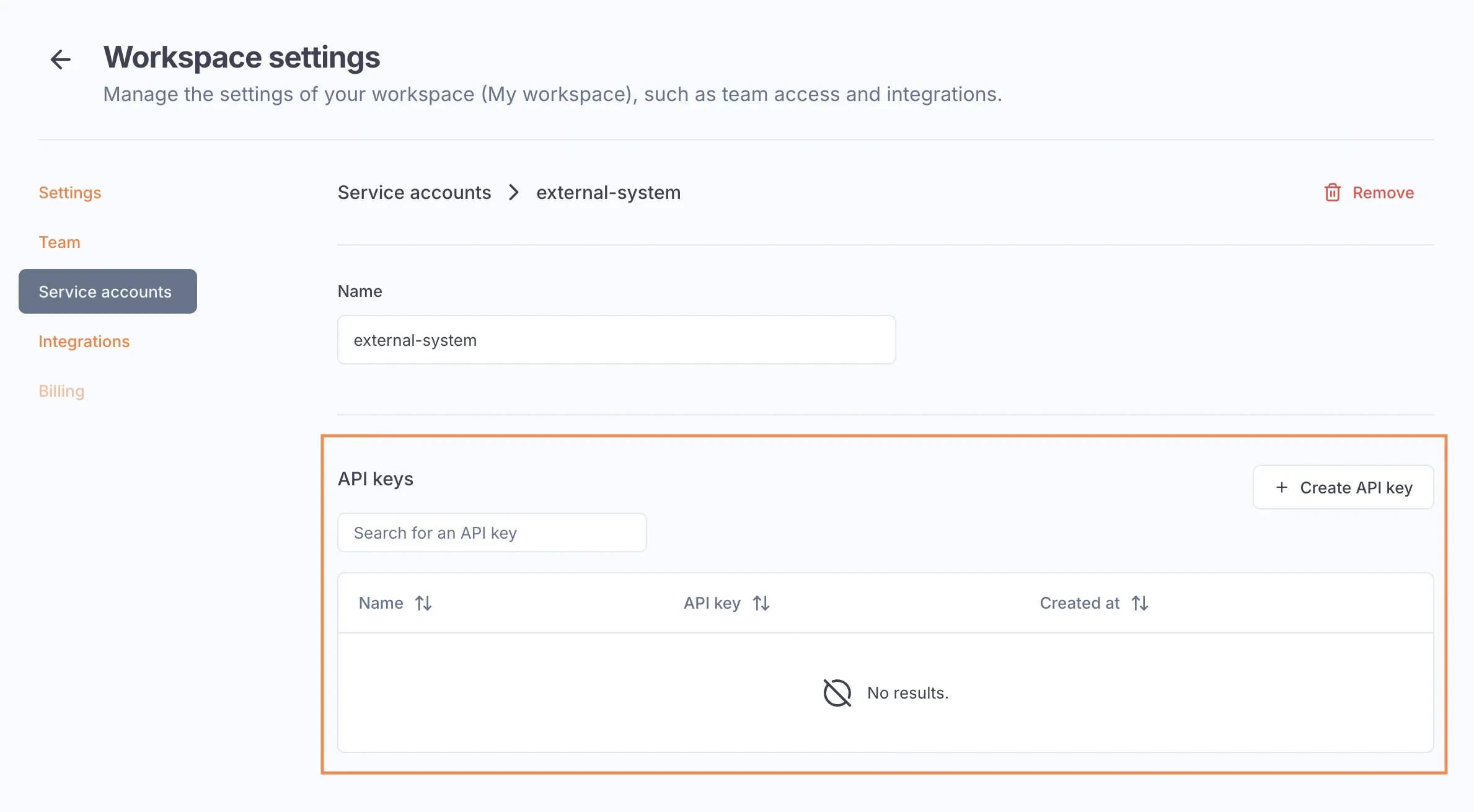
Service accounts can use [API keys](/Security/Access-tokens) to authenticate on Blaxel. These API keys can be created and managed by admins from the service account’s page, in your workspace settings.
API keys can have an infinite validity duration.
 ### Client credentials (OAuth 2.0)
Service accounts can also use the *client credentials* [OAuth 2.0 grant type](/Security/Access-tokens), via their **client ID** and **client secret**. A pair client ID / client secret is generated automatically by Blaxel when you create a new service account.
### Client credentials (OAuth 2.0)
Service accounts can also use the *client credentials* [OAuth 2.0 grant type](/Security/Access-tokens), via their **client ID** and **client secret**. A pair client ID / client secret is generated automatically by Blaxel when you create a new service account.
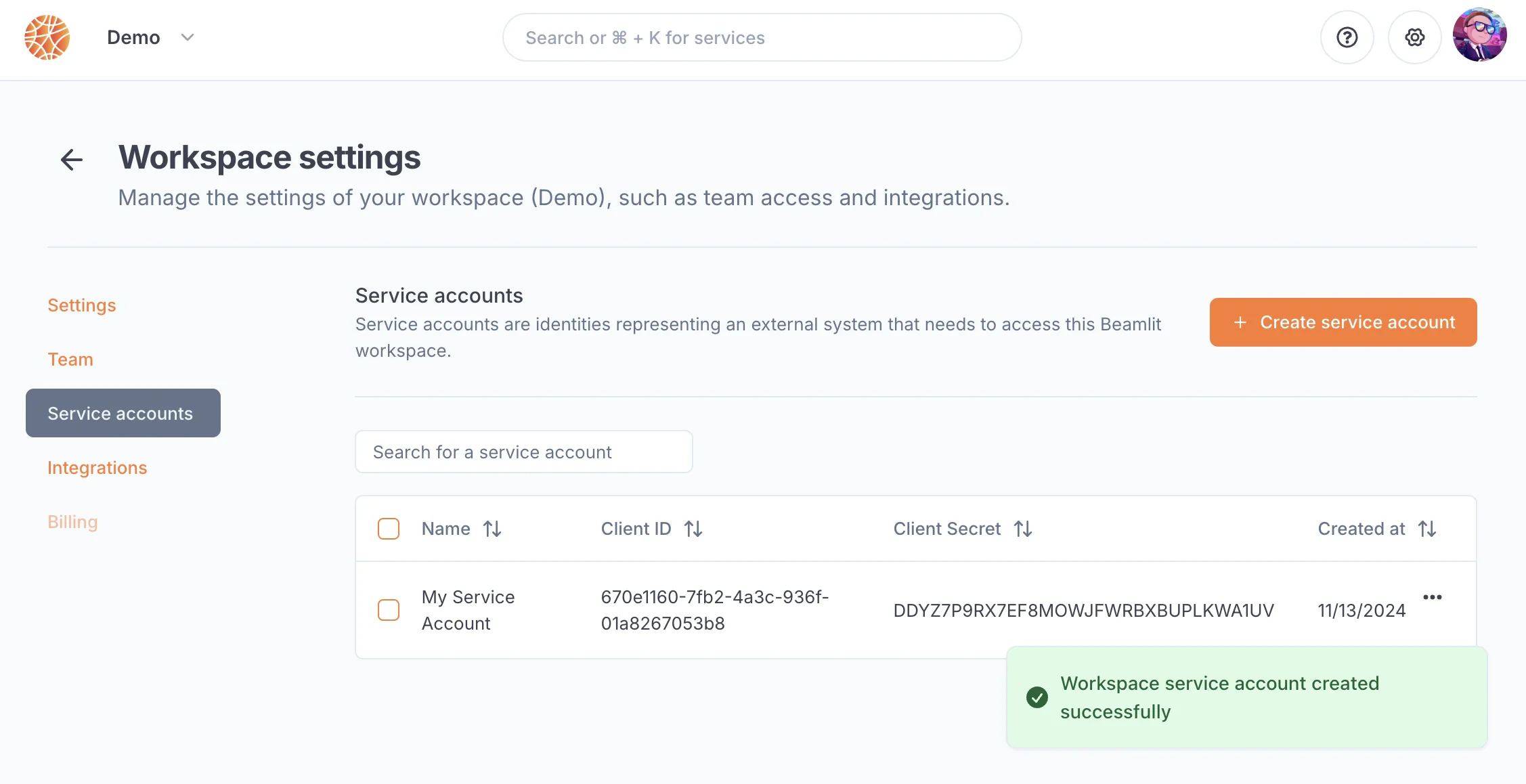 Make sure to copy the client secret when you create the service account as you will never be able to access it again after you leave the page.
## Permissions of service accounts
Service accounts can have [similar permissions](/Security/Workspace-access-control) as other users from your team. These permissions are managed by admins in your workspace settings.
Make sure to copy the client secret when you create the service account as you will never be able to access it again after you leave the page.
## Permissions of service accounts
Service accounts can have [similar permissions](/Security/Workspace-access-control) as other users from your team. These permissions are managed by admins in your workspace settings.