> ## Documentation Index
> Fetch the complete documentation index at: https://docs.blaxel.ai/llms.txt
> Use this file to discover all available pages before exploring further.
# Run DeepSeek Harness with a Blaxel sandbox
> Run DeepSeek Harness coding sessions with filesystem, Bash, and terminal execution isolated inside a Blaxel sandbox.
Use the Blaxel sandbox plugin to move tool execution for a DeepSeek Harness (DSH) Web session into an isolated cloud sandbox. The DSH interface, conversation, model requests, credentials, and session state remain on your computer.
The same DSH session can move from local tools to Blaxel and back again. Sandbox files are restored under `/workspace`, and returning local changes requires an explicit conflict-checked transfer.
Estimated time: 10 minutes. By the end, you will connect DSH to Blaxel, move one session into an isolated sandbox, verify remote tool execution, and return a generated file to your original worktree.
The session keeps one DSH host and routes only execution tools through the plugin:
```text theme={null}
Your computer Blaxel
[DSH Web + conversation + model credentials]
|
+-- [Blaxel plugin] --------> [filesystem + Bash + terminal]
/workspace
```
## Prerequisites
* A [Blaxel account](https://blaxel.ai) and workspace
* Node.js `22.19.0` or newer; Node.js 22 and 24 are verified
* DeepSeek Harness `0.1.1-rc.2` with the `dsh` command available
* `pnpm` available on your `PATH` for DSH profile plugin management
* A model-provider credential configured for your DSH session
* A local directory inside a Git worktree
The following combination is verified:
| Component | Verified version |
| --------------------- | ----------------------------------------------- |
| DeepSeek Harness | `0.1.1-rc.2` |
| `@blaxel/dsh-sandbox` | `0.1.0` |
| Node.js | `22.19.0` or newer in Node.js 22, or Node.js 24 |
DeepSeek Harness is in developer preview and may introduce compatibility-breaking changes. The `@blaxel/dsh-sandbox` `0.1.0` release is verified with DSH `0.1.1-rc.2`.
Run the following commands if you want an empty, deterministic workspace for this tutorial:
```bash theme={null}
mkdir dsh-blaxel-tutorial
cd dsh-blaxel-tutorial
git init
touch README.md
```
Open `dsh-blaxel-tutorial` as your DSH workspace in step 4.
## 1. Install the plugin
Install the Blaxel plugin and its native helpers into the DSH Web profile:
```bash theme={null}
dsh plugin --profile web add \
--allow-build=@deepseek-ai/dsh-subprocess-local \
--allow-build=koffi \
--allow-build=node-pty \
@blaxel/dsh-sandbox
```
The build allowances authorize the listed packages to run their required installation scripts on your computer. Confirm the package names before continuing.
Start DSH Web:
```bash theme={null}
dsh web
```
Open DSH Settings and confirm that the Blaxel section appears.
## 2. Connect your Blaxel account
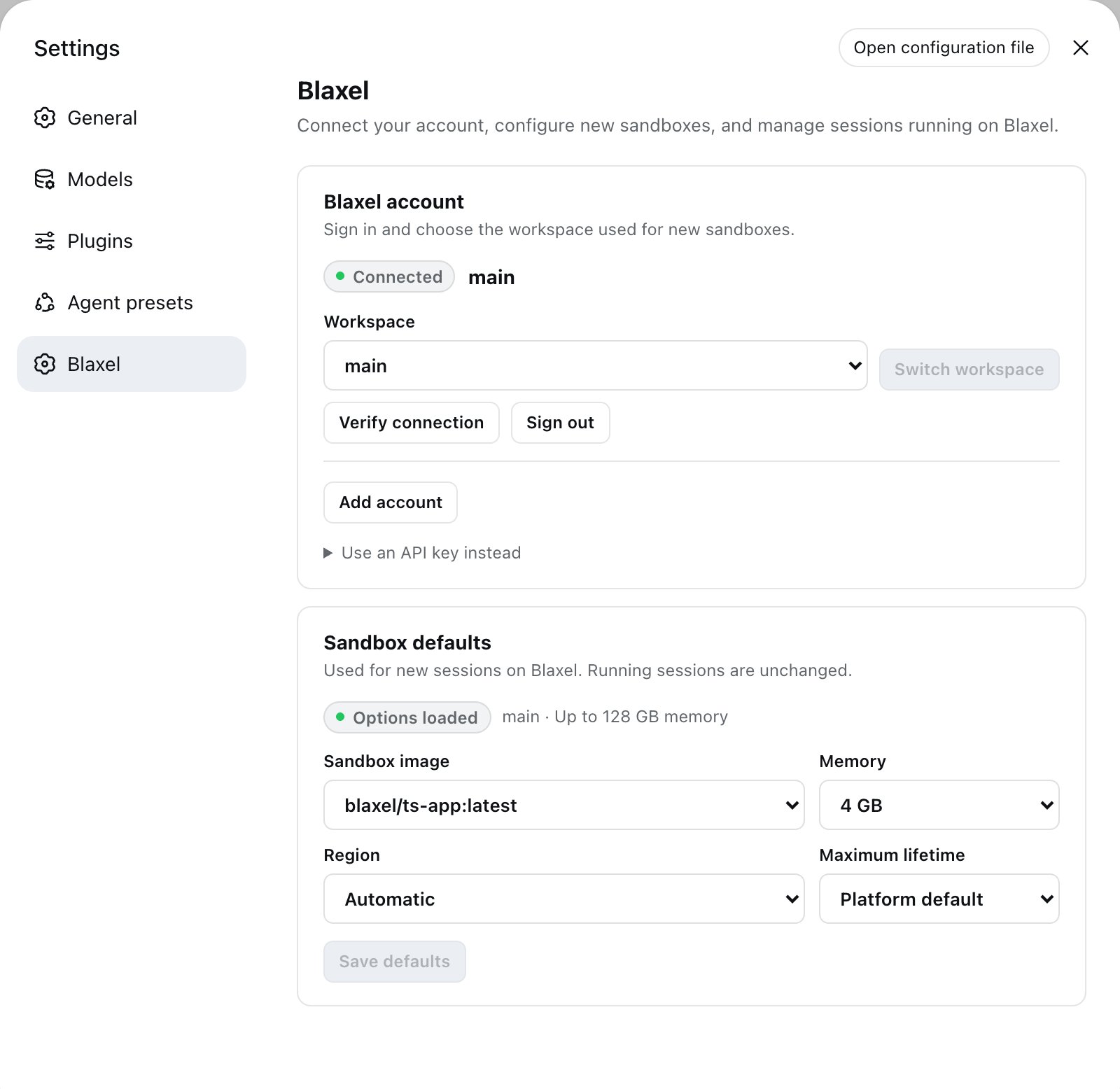
Open Settings > Blaxel, then select Sign in to Blaxel.
1. Complete the Blaxel authorization in the browser.
2. Select the workspace that will contain your sandboxes.
3. Select Verify connection.
Existing profiles created with `bl login` also appear in the workspace selector.
For CI or a managed host, start DSH with `BL_WORKSPACE` and `BL_API_KEY`. Authentication supplied through environment variables is read-only in Settings.
## 3. Choose sandbox defaults
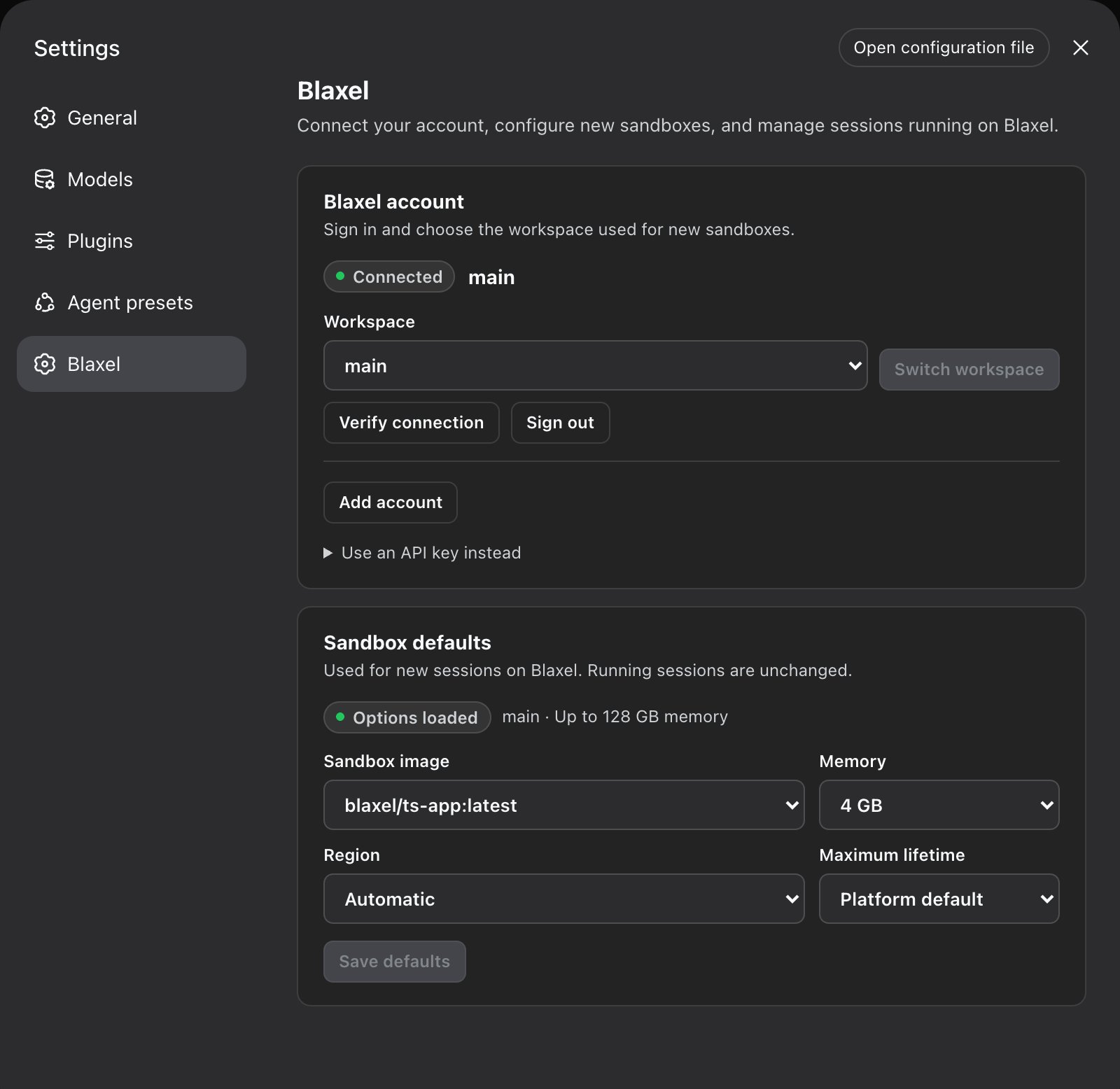
Settings loads the images, memory sizes, regions, and maximum lifetimes available to the connected workspace.
| Setting | Default | Purpose |
| ---------------- | ---------------------- | ---------------------------------------------------- |
| Sandbox image | `blaxel/ts-app:latest` | Provides a Debian and glibc TypeScript environment |
| Memory | `4096` MB | Sets memory for new sandboxes |
| Region | Automatic | Selects an available workspace region |
| Maximum lifetime | Platform default | Limits the lifetime of new sandboxes when configured |
Save the defaults you want to use. Existing sandbox sessions keep their current resources.
 ## 4. Move a session into a sandbox
Open a Git-backed workspace in DSH and create or select a session.
* Select Open on Blaxel for an empty session
* Select Move to Blaxel for a session with conversation history
* Wait for the current turn to finish before moving a running session
Before creating the sandbox, DSH verifies the selected model route and its host credential. Complete the provider setup card if DSH asks for a missing credential.
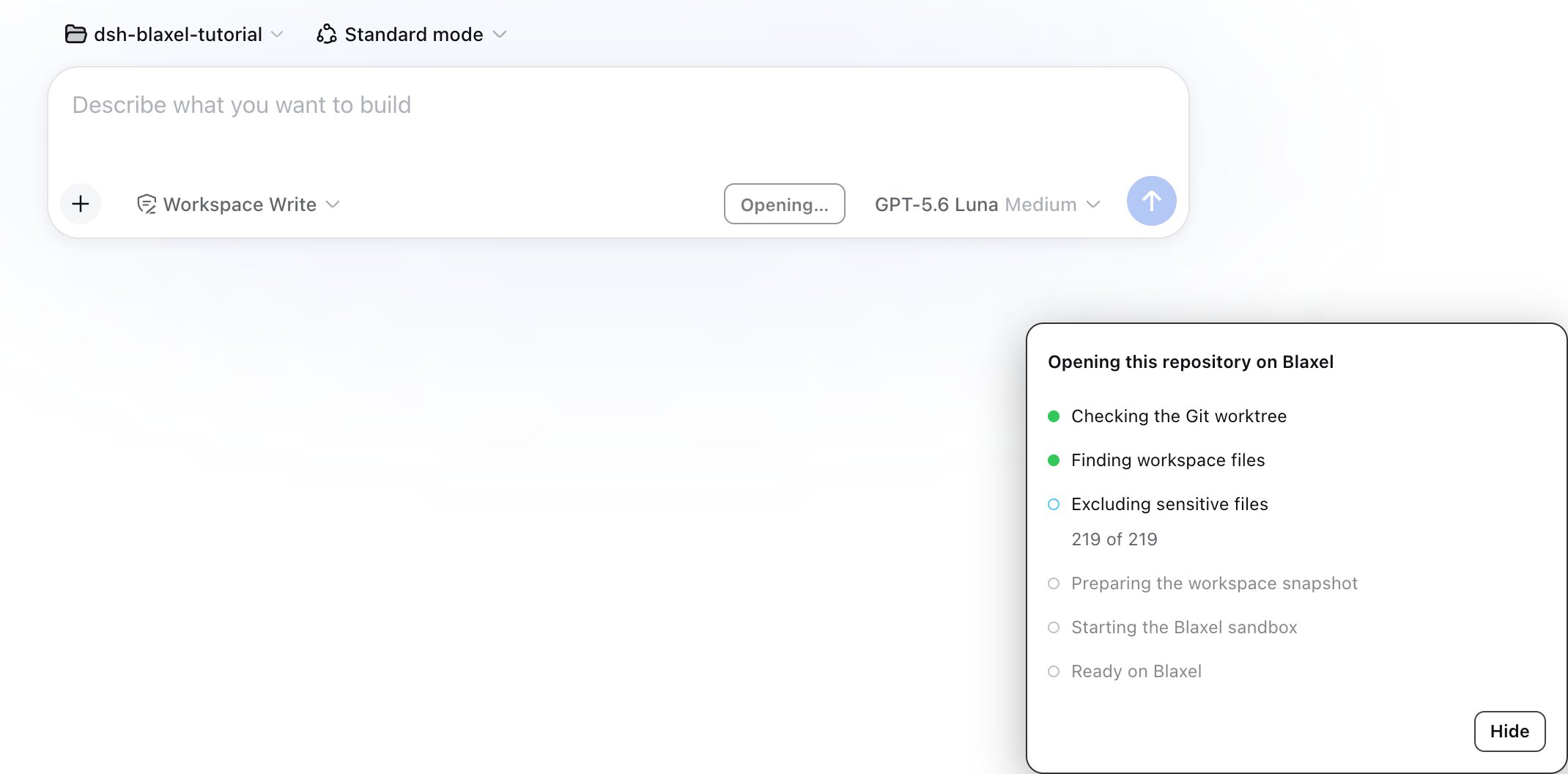
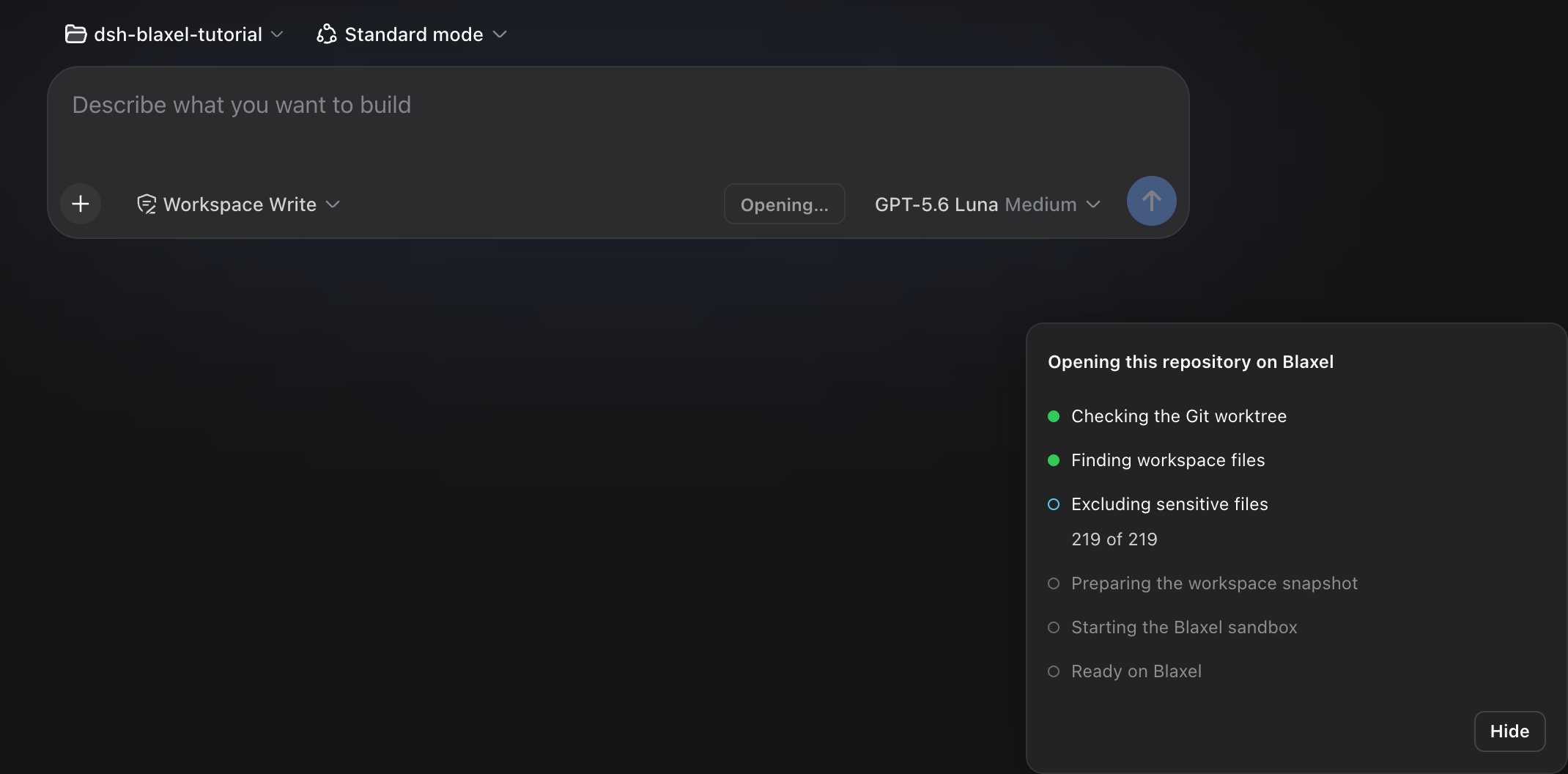
The plugin snapshots tracked files and unignored untracked files, excludes common credential and private-key paths, restores the workspace under `/workspace`, and binds the existing DSH session to remote filesystem and subprocess providers. The conversation, title, sidebar row, and selected page do not change.
Review the file count and skipped-sensitive count before launch. Git-ignored files, `.git`, `.dsh-blaxel`, common credential files, and private keys are not copied into the sandbox.
## 4. Move a session into a sandbox
Open a Git-backed workspace in DSH and create or select a session.
* Select Open on Blaxel for an empty session
* Select Move to Blaxel for a session with conversation history
* Wait for the current turn to finish before moving a running session
Before creating the sandbox, DSH verifies the selected model route and its host credential. Complete the provider setup card if DSH asks for a missing credential.
The plugin snapshots tracked files and unignored untracked files, excludes common credential and private-key paths, restores the workspace under `/workspace`, and binds the existing DSH session to remote filesystem and subprocess providers. The conversation, title, sidebar row, and selected page do not change.
Review the file count and skipped-sensitive count before launch. Git-ignored files, `.git`, `.dsh-blaxel`, common credential files, and private keys are not copied into the sandbox.
 ## 5. Verify sandbox execution
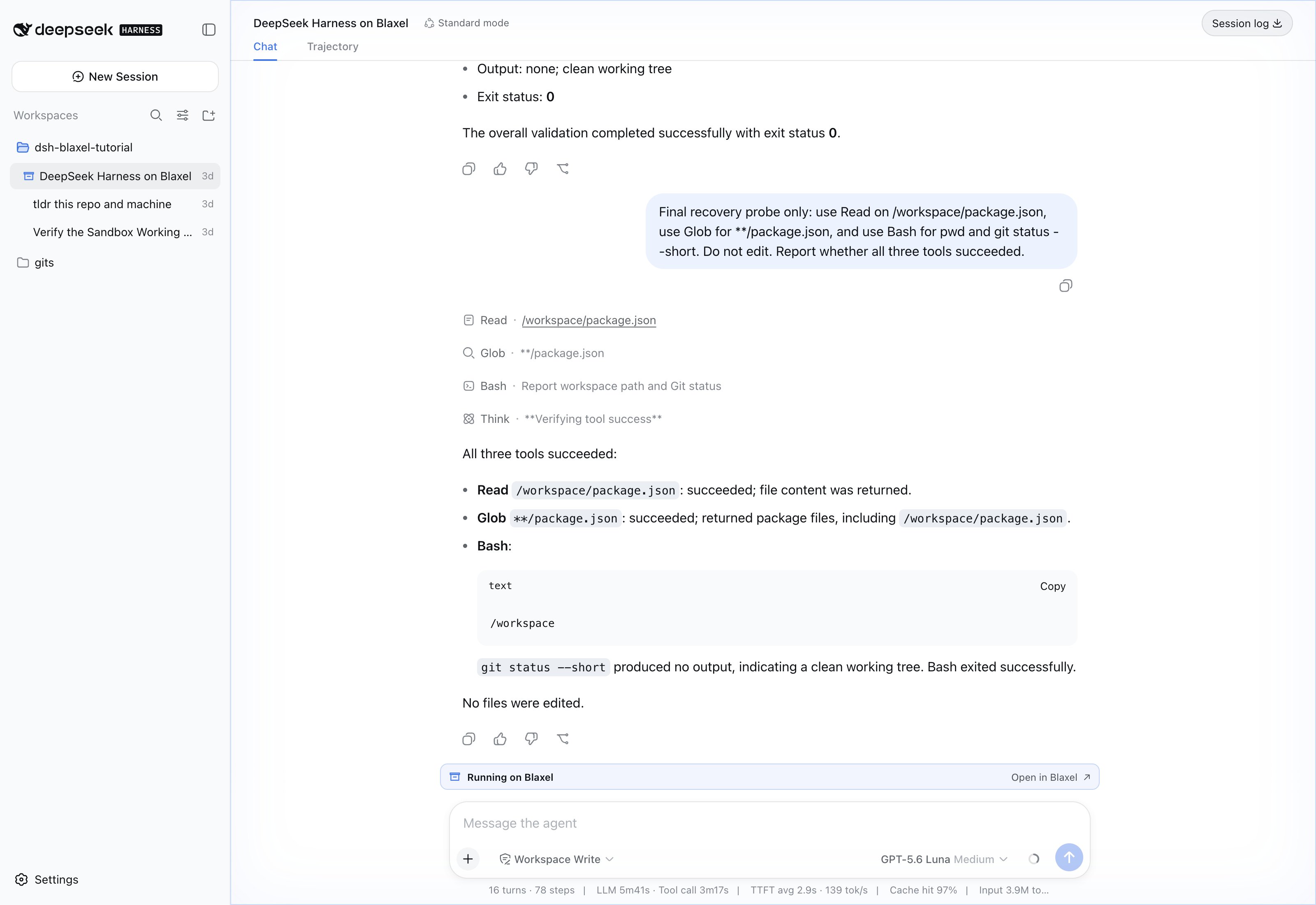
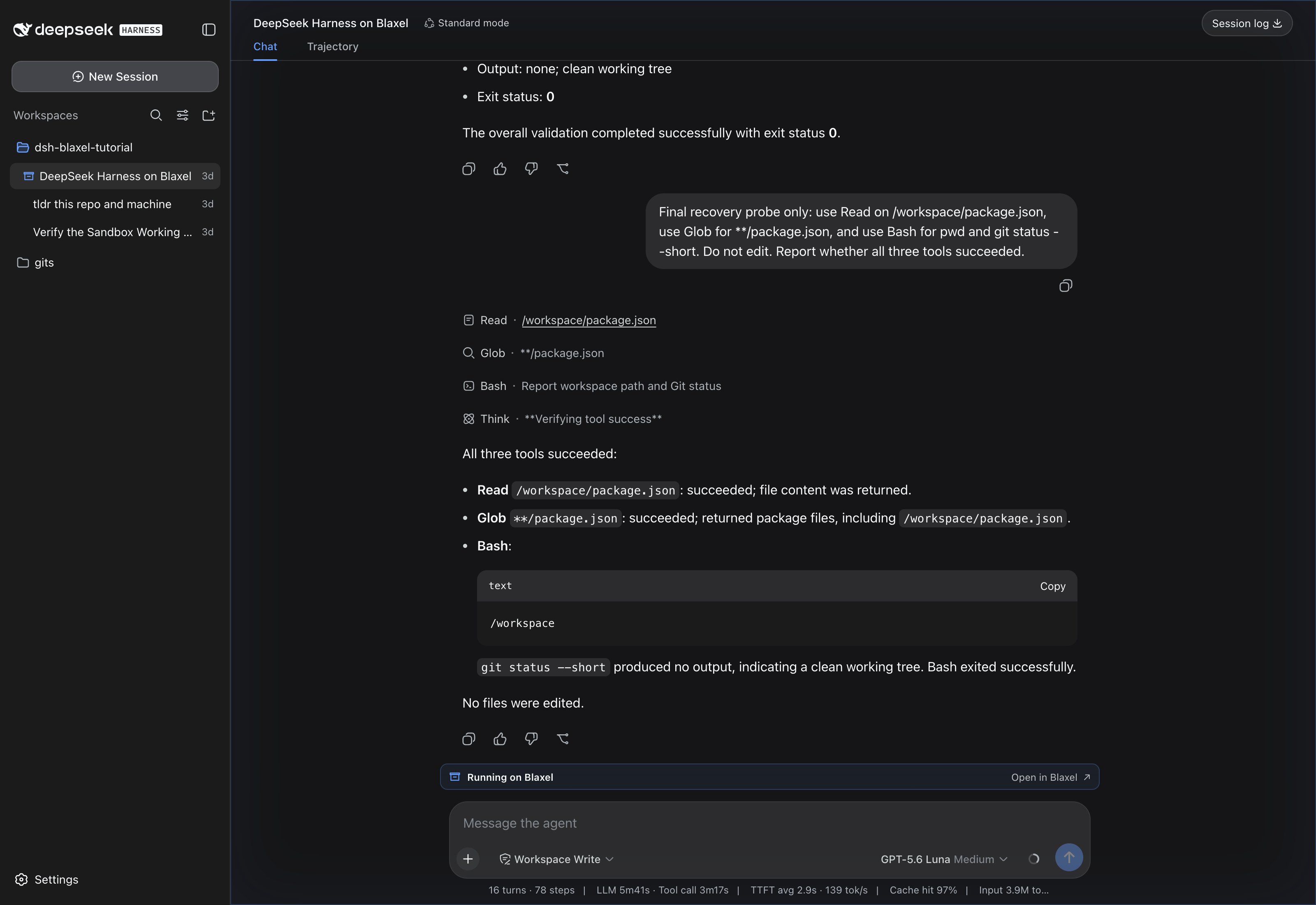
Confirm that the session has a container marker in the DSH sidebar and a Running on Blaxel strip above the composer. The strip links to the exact sandbox in Blaxel Console.
Send the following prompt to create a small proof file:
```text theme={null}
Use Bash to run pwd. Create blaxel-proof.txt with the text "created in Blaxel", then read the file back to me.
```
For a repository opened at its root, the tool results should include:
```text theme={null}
/workspace
created in Blaxel
```
If you opened a subdirectory, the working path includes that subdirectory after `/workspace`. The assistant response can vary, but the Bash result and file contents must both be visible.
The working path starts with `/workspace`. A successful Bash command and file read prove that the session tools are routed to Blaxel. A successful assistant response without tool output does not prove sandbox execution.
## 5. Verify sandbox execution
Confirm that the session has a container marker in the DSH sidebar and a Running on Blaxel strip above the composer. The strip links to the exact sandbox in Blaxel Console.
Send the following prompt to create a small proof file:
```text theme={null}
Use Bash to run pwd. Create blaxel-proof.txt with the text "created in Blaxel", then read the file back to me.
```
For a repository opened at its root, the tool results should include:
```text theme={null}
/workspace
created in Blaxel
```
If you opened a subdirectory, the working path includes that subdirectory after `/workspace`. The assistant response can vary, but the Bash result and file contents must both be visible.
The working path starts with `/workspace`. A successful Bash command and file read prove that the session tools are routed to Blaxel. A successful assistant response without tool output does not prove sandbox execution.
 ## 6. Move changes back to local
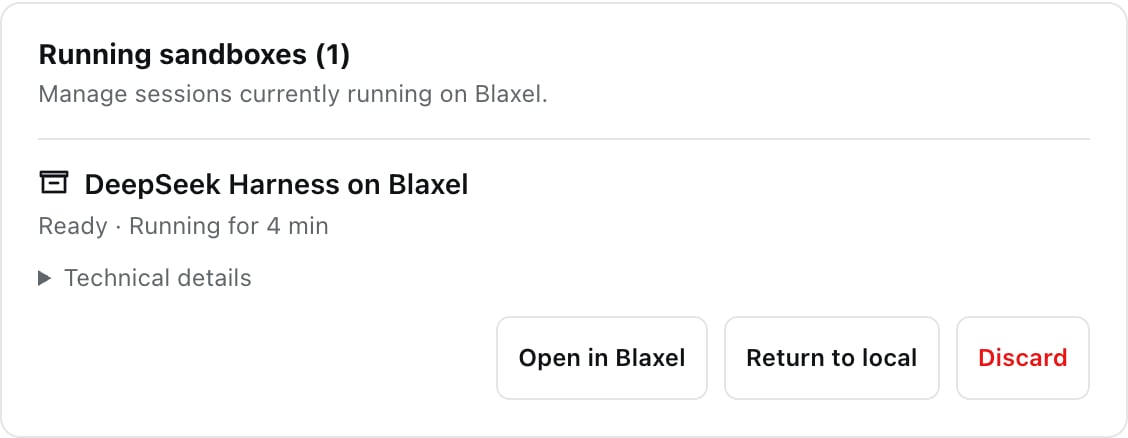
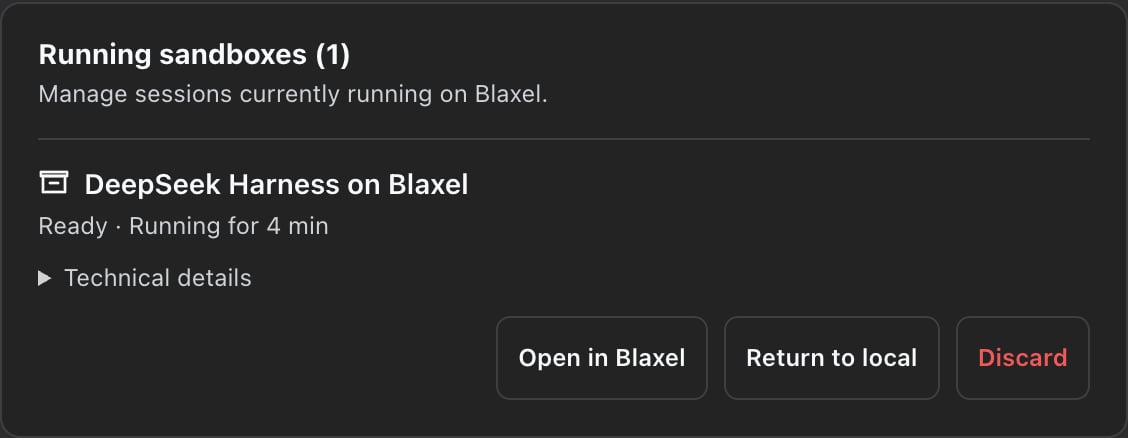
Open Settings > Blaxel, find the running sandbox, and select Return to local.
1. Wait for active DSH turns and owned sandbox processes to finish.
2. Review the changed-file count.
3. Confirm the transfer.
4. Verify that `blaxel-proof.txt` exists in the original local worktree.
## 6. Move changes back to local
Open Settings > Blaxel, find the running sandbox, and select Return to local.
1. Wait for active DSH turns and owned sandbox processes to finish.
2. Review the changed-file count.
3. Confirm the transfer.
4. Verify that `blaxel-proof.txt` exists in the original local worktree.
 The plugin compares the sandbox against its launch baseline, checks the generated patch against your current local files, and applies it only when every target is safe and conflict-free. A successful transfer deletes that sandbox and keeps the same DSH session on local tools.
If a local file conflicts with the sandbox patch, DSH applies nothing and keeps the sandbox available. Resolve the local conflict, then retry the move.
## 7. Recover or discard a sandbox
Restarting DSH reconnects each persisted session binding to its existing sandbox. If the Blaxel browser session expired, open Settings > Blaxel and select Reconnect account for the bound workspace.
Select Discard only when you do not need the remote changes. Discarding deletes the sandbox binding without deleting the DSH conversation or changing another session.
You have completed the round trip when:
* The same DSH session and conversation remain selected
* The proof command reports a path beginning with `/workspace`
* `blaxel-proof.txt` exists in the original local worktree after the transfer
* The transferred sandbox no longer appears as running in Settings
## Troubleshooting
| Symptom | Action |
| --------------------------------------------------- | ---------------------------------------------------------------------------------------------- |
| Blaxel settings are not visible | Reinstall the plugin, then restart `dsh web` |
| Open on Blaxel is unavailable | Open a directory inside a Git worktree |
| Workspace choices cannot be verified | Reconnect the account, then select Verify connection |
| A recovered sandbox reports an authentication error | Select Reconnect account for the workspace already bound to the sandbox |
| Return to local reports a conflict | Resolve or revert the local conflict, then retry without discarding the sandbox |
| A remote tool fails | Read the tool error or reconnect the sandbox; the plugin does not fall back to local execution |
## Resources
Review the plugin source, complete guide, security model, and verification evidence.
Install DSH and review its current developer-preview documentation.
Learn how Blaxel sandboxes provide isolated, resumable compute environments.
Configure sandbox lifetime and automatic deletion policies.
The plugin compares the sandbox against its launch baseline, checks the generated patch against your current local files, and applies it only when every target is safe and conflict-free. A successful transfer deletes that sandbox and keeps the same DSH session on local tools.
If a local file conflicts with the sandbox patch, DSH applies nothing and keeps the sandbox available. Resolve the local conflict, then retry the move.
## 7. Recover or discard a sandbox
Restarting DSH reconnects each persisted session binding to its existing sandbox. If the Blaxel browser session expired, open Settings > Blaxel and select Reconnect account for the bound workspace.
Select Discard only when you do not need the remote changes. Discarding deletes the sandbox binding without deleting the DSH conversation or changing another session.
You have completed the round trip when:
* The same DSH session and conversation remain selected
* The proof command reports a path beginning with `/workspace`
* `blaxel-proof.txt` exists in the original local worktree after the transfer
* The transferred sandbox no longer appears as running in Settings
## Troubleshooting
| Symptom | Action |
| --------------------------------------------------- | ---------------------------------------------------------------------------------------------- |
| Blaxel settings are not visible | Reinstall the plugin, then restart `dsh web` |
| Open on Blaxel is unavailable | Open a directory inside a Git worktree |
| Workspace choices cannot be verified | Reconnect the account, then select Verify connection |
| A recovered sandbox reports an authentication error | Select Reconnect account for the workspace already bound to the sandbox |
| Return to local reports a conflict | Resolve or revert the local conflict, then retry without discarding the sandbox |
| A remote tool fails | Read the tool error or reconnect the sandbox; the plugin does not fall back to local execution |
## Resources
Review the plugin source, complete guide, security model, and verification evidence.
Install DSH and review its current developer-preview documentation.
Learn how Blaxel sandboxes provide isolated, resumable compute environments.
Configure sandbox lifetime and automatic deletion policies.